
Head-to-Head Comparison
monday.com vs Asana (2026): Which PM Platform Ships More Work?
monday leans on colorful boards and dashboards. Asana leans on structured project plans and workload.
Published Jun 6, 2026 Updated Jun 6, 2026By the CodeTag editorial team
M
monday.com
4.5
Visual work OS for cross-functional teams.
- Starting price
- $9/user/mo
- Free trial
- Yes
A

Asana
4.4
Work management for cross-functional teams.
- Starting price
- $10.99/user/mo
- Free trial
- Yes
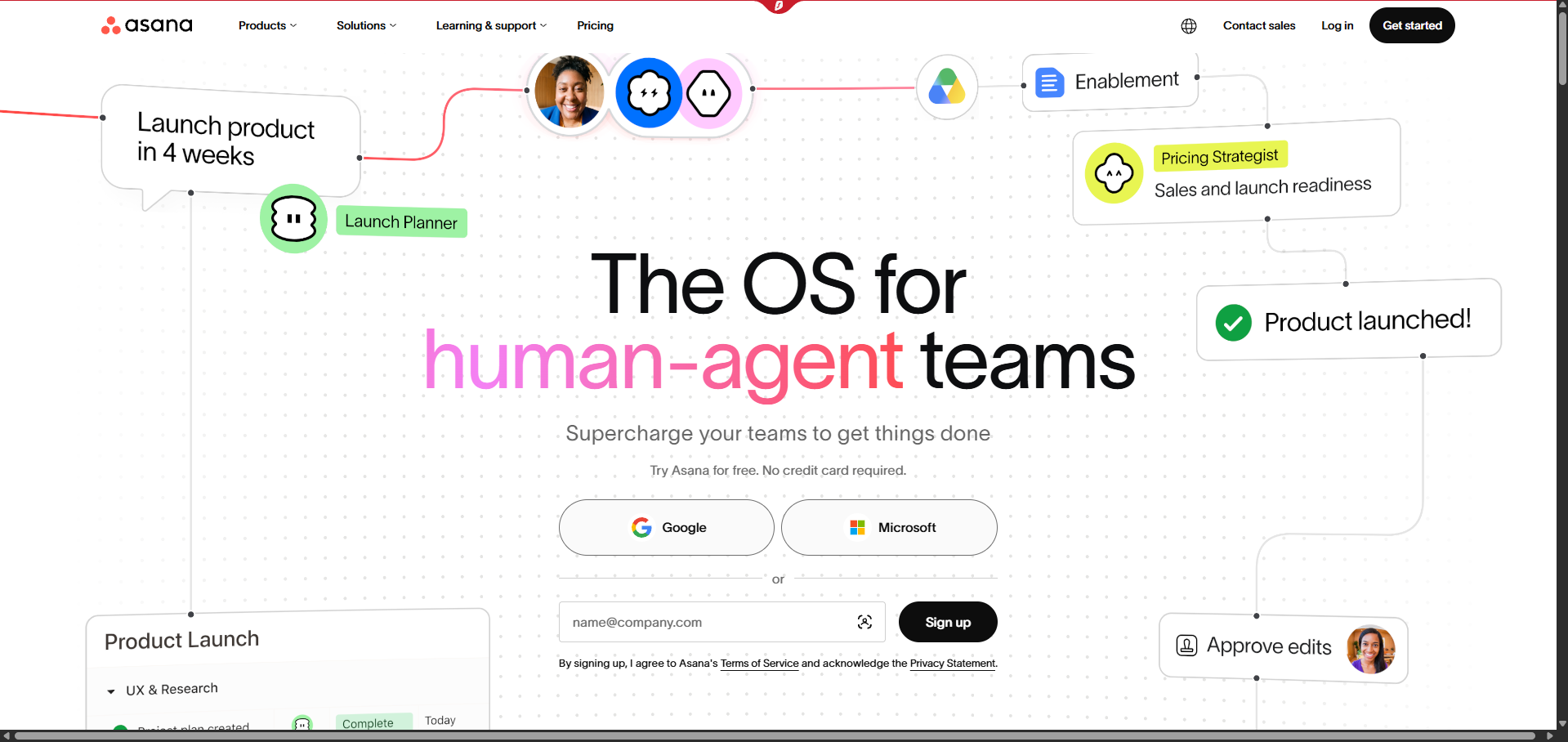
Product screenshots

Scorecard
| Criteria | monday.com | Asana |
|---|---|---|
| Boards & Views | 4.6 | 4.4 |
| Timeline & Dependencies | 4.2 | 4.7 |
| Dashboards | 4.7 | 4.3 |
| Automations | 4.4 | 4.3 |
| Pricing | 4.2 | 4.0 |
Our Verdict
Pick monday if dashboards and status visibility are the goal. Pick Asana if planning, dependencies and workload matter more.
monday.com
- Beautiful board and dashboard UI
- 200+ templates
- monday AI for automations
- Per-seat pricing scales fast
- 3-seat minimum
Asana
- Polished, intuitive UX
- Timeline and workload views are best in class
- Strong reporting and portfolios
- No native chat or whiteboards
- Business features gated on higher plans
Related comparisons
ClickUp vs Asana (2026): Best Project Management Tool?
ClickUp offers deeper customization and a more aggressive free plan. Asana is polished, predictable, and easier to roll out to non-technical teams.
monday.com vs ClickUp (2026): Which Work OS Wins for SMBs?
monday is polished and dashboard-first. ClickUp is deeper and cheaper but denser.