
Head-to-Head Comparison
ClickUp vs Asana (2026): Best Project Management Tool?
ClickUp offers deeper customization and a more aggressive free plan. Asana is polished, predictable, and easier to roll out to non-technical teams.

ClickUp
One app to replace them all — tasks, docs, goals, chat.
- Starting price
- $7/user/mo
- Free trial
- Yes

Asana
Work management for cross-functional teams.
- Starting price
- $10.99/user/mo
- Free trial
- Yes
Product screenshots
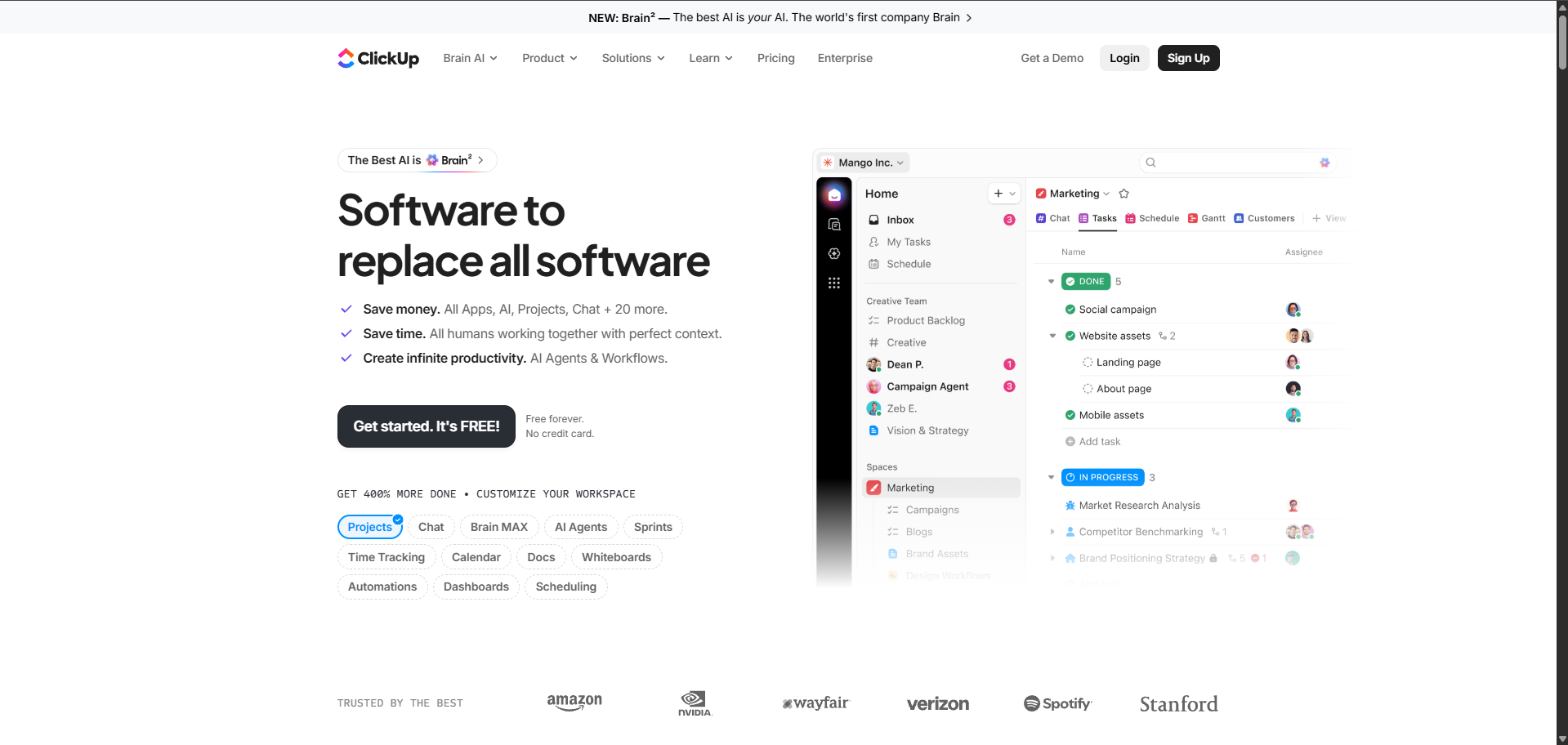
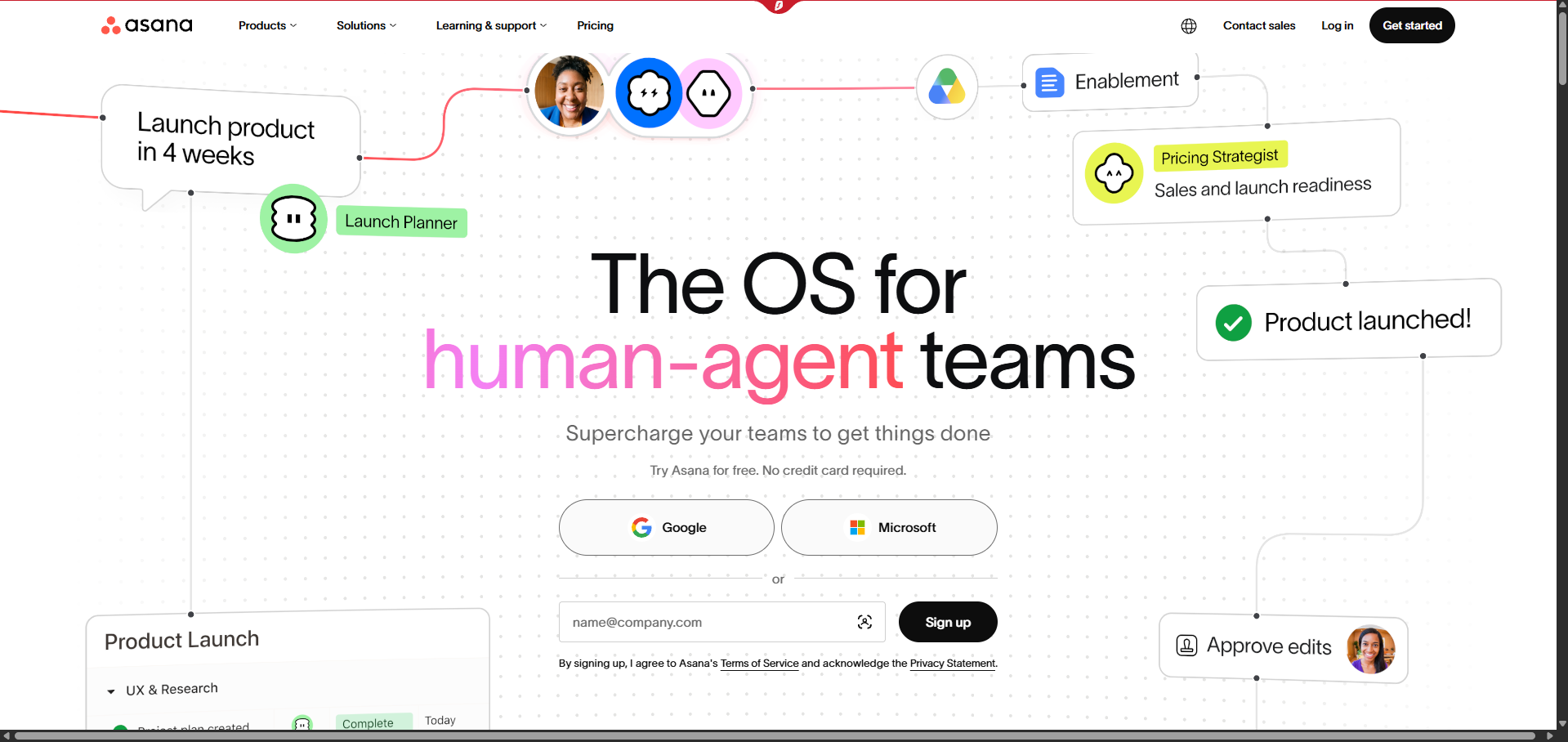
Scorecard
| Criteria | ClickUp | Asana |
|---|---|---|
| Ease of Use | 4.2 | 4.6 |
| Customization | 4.7 | 4.1 |
| Views & Reporting | 4.5 | 4.5 |
| Automations | 4.4 | 4.3 |
| Pricing | 4.5 | 4.0 |
Our Verdict
Choose ClickUp if you need customization and want to consolidate tools. Choose Asana if you want a clean, opinionated tool your marketing and ops teams will actually adopt.
ClickUp
- Extremely flexible views: list, board, gantt, calendar
- Native docs, whiteboards, and chat
- Aggressive free plan
- Learning curve for new admins
- UI can feel dense
Asana
- Polished, intuitive UX
- Timeline and workload views are best in class
- Strong reporting and portfolios
- No native chat or whiteboards
- Business features gated on higher plans
Related comparisons
Notion vs ClickUp (2026): Docs-first Wiki or All-in-one Work OS?
Notion is a beloved docs-and-databases workspace. ClickUp is a heavy-duty PM tool that also does docs.
monday.com vs Asana (2026): Which PM Platform Ships More Work?
monday leans on colorful boards and dashboards. Asana leans on structured project plans and workload.
Linear vs ClickUp (2026): Fast Issue Tracker or Everything App?
Linear is the opinionated favorite of product engineering teams. ClickUp does more but expects more configuration.
monday.com vs ClickUp (2026): Which Work OS Wins for SMBs?
monday is polished and dashboard-first. ClickUp is deeper and cheaper but denser.